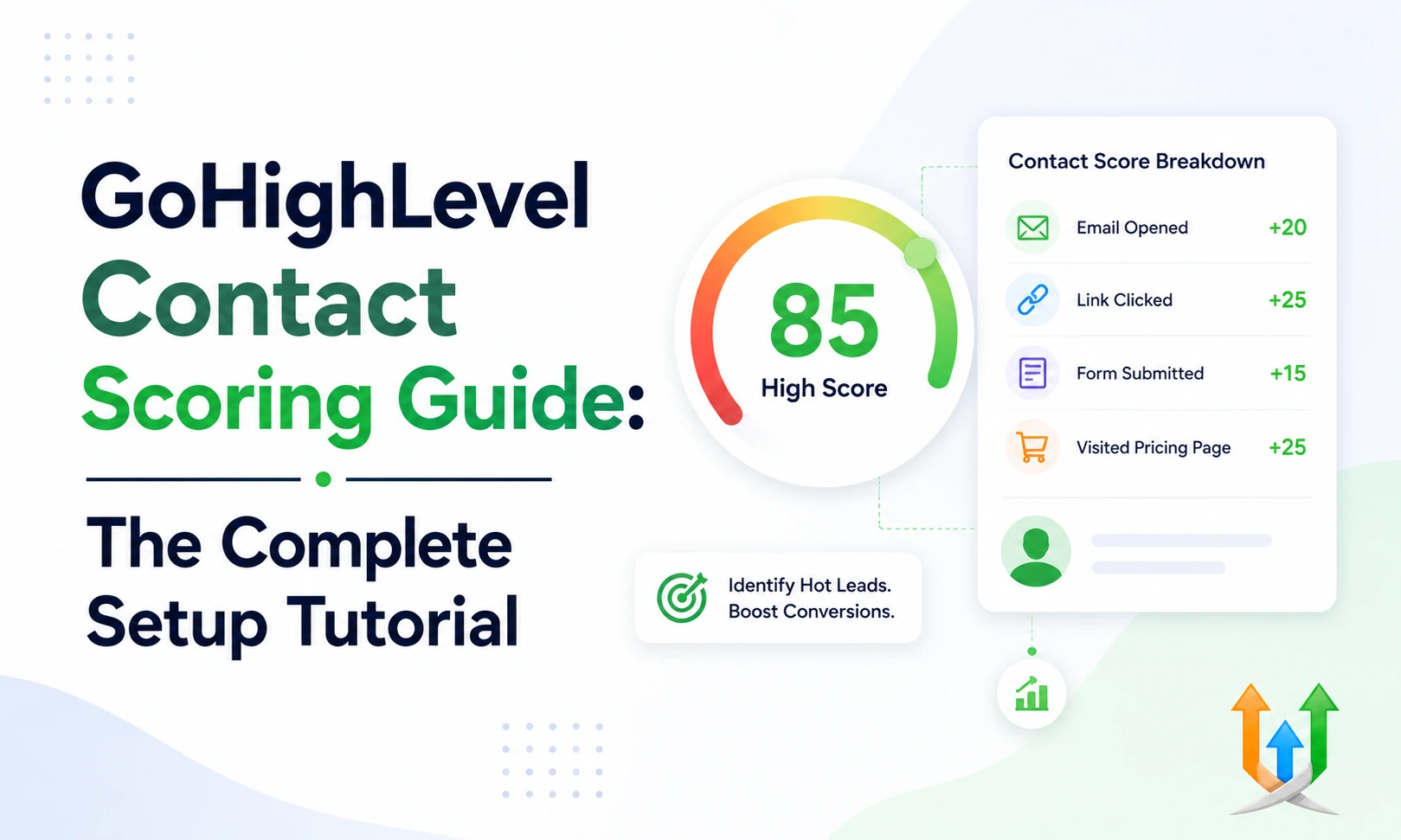
GoHighLevel Contact Scoring Guide: The Complete Setup Tutorial
Your sales floor wastes hours calling people who will never buy.
Reps dial numbers blindly down a raw list. They leave voicemails for prospects who opted in three years ago and forgot your brand name entirely. You fix this massive inefficiency by implementing a strict GoHighLevel contact scoring guide. Scoring tells your team exactly who is hot right now. I configure these tracking matrices daily as a hire ghl developer for high-volume sales agencies.
You track every single action a prospect takes and assign a mathematical value to their interest level. You remove the guesswork from your sales process completely.
Understanding GHL Contact Scoring Basics
A contact score is a simple integer attached to a customer profile.
It goes up when the prospect does something positive. It goes down when they ignore you. Every time they open an email, they get a point. If they click a link, they get three points. If they book a call, they get twenty points. This math happens completely in the background.
Your sales reps log into their dashboard in the morning. They sort their smart lists by the highest score. They call the guy with eighty points before they call the guy with five points. This prioritizes human effort strictly on active buyers.
How To Set Up Lead Scoring In GHL
The platform includes a native scoring engine.
Go to your sub-account settings. Click on your profile preferences. Look for the Contact Scoring tab. You will see a blank slate ready for your mathematical rules.
The interface gives you a point value box and a trigger dropdown. You select the action from the menu and type the points you want to award. Setting this up requires mapping out your entire customer journey first. You need to know which actions actually lead to closed deals.
Configuring Scoring Rules In GoHighLevel
Start with your basic email marketing metrics.
Add one point for an email open. An open just means they glanced at the subject line. Add five points for a clicked link. A click shows real intent to read your material.
Add ten points for a form submission. You want to reward high-friction actions heavily. If someone takes the time to type their phone number into a form, their score should jump significantly.
Subtracting Points For Disinterest
A score must decay over time.
A lead who clicked a link six months ago is cold today. You must subtract points to keep your data accurate. Add a rule that removes five points if the contact has zero activity for thirty days.
Add a rule that subtracts fifty points if they unsubscribe from your email list. If an email hard bounces, subtract one hundred points immediately. This negative scoring pushes dead leads to the bottom of your smart lists. Your sales team never sees them again.
Scoring Website Visitors
You want to know when a prospect is actively browsing your pricing page.
The CRM tracking code makes this visible. You have to create landing pages in highlevel to capture these native page view events perfectly. Set a scoring rule that adds three points every time a contact visits a specific URL.
If a prospect hits your checkout page three times in one week, their score spikes. Your sales closer sees this spike and calls them to ask if they have any questions about the pricing tiers.
Factoring Organic Search Intent
Where a lead comes from dictates their purchase intent.
Someone who finds you through a specific Google search usually buys faster than someone scrolling Facebook. If you configure your gohighelvel seo settings properly, you can track the exact UTM parameters of your incoming traffic.
Build a workflow that adds extra points to contacts who arrive with a high-intent keyword tag. You reward organic search traffic with a higher starting score because they actively hunted for your solution.
Connecting External Data Signals
Your prospects interact with your brand outside of the CRM.
They might attend a Zoom webinar or reply to a Zendesk support ticket. You need those actions reflected in their central score. You must connect gohighlevel to zapier to push these external events into your database.
Build a Zap that triggers when someone finishes your webinar. Use the Add/Update Contact action in Zapier to append a specific tag. Your CRM reads that new tag and adds twenty points to their profile automatically.
Scoring E-commerce Actions
Retail businesses rely on repeat purchases.
You want to identify your absolute best customers. Analyzing a ghl vs shopify comparison shows how natively handling transactions gives you better behavioral data. When a customer buys a product through your native checkout link, assign them fifty points.
If they abandon their cart, add ten points but trigger a specific recovery text message. You build a VIP smart list consisting only of contacts with a score over two hundred. You send your biggest holiday discounts exclusively to that list.
Securing Your Scoring Data
Medical clinics and therapy practices use scoring to track patient intake forms.
This data is incredibly sensitive. A high score might indicate a patient needs immediate mental health scheduling. You must operate within strict gohighelvel hippa compliance boundaries when tracking these actions.
Restrict your user permissions. Your front desk staff should see the final score to schedule the appointment. They do not need to see the specific medical questionnaire answers that generated the score. Protect your patient privacy while utilizing the math.
Triggering Automations Based On Score
The score becomes a powerful workflow trigger.
You do not want your sales reps checking the dashboard every five minutes. You want the system to alert them. Create a new workflow. Set the trigger to Contact Score Changed.
Add a condition that checks if the score is greater than or equal to one hundred. When a prospect hits that magic number, the workflow fires an internal SMS to your top closer. The text includes the prospect name, phone number, and a note saying they just became a hot lead. The rep calls them immediately.
Building Custom Scoring Fields
Sometimes you need multiple scores for different departments.
A software company might want a Marketing Score and a Product Usage Score. The native system provides one master score. You can build secondary scores using custom number fields and math operations inside workflows.
Create a custom field called App Login Score. Build a workflow that triggers every time they log into your membership area. Use the Math Operation action node to add one to that specific custom field. This gives you granular tracking for completely different business objectives.
Using Tags To Manipulate Scores
Tags provide a manual override for your automated scoring engine.
Sometimes a sales rep talks to a prospect at a live networking event. The prospect did not click an email or visit the website. The rep knows this person is ready to buy. You need a way to inflate their score manually so they hit the hot lead smart list.
Build a workflow triggered by a specific tag called Manual Hot Lead. When a rep applies this tag to a profile, the workflow uses a math operation to instantly add one hundred points to the contact score. This empowers your team to inject real-world context into the automated mathematical system.
Handling Edge Cases And Duplicates
Messy data destroys the accuracy of your scoring rules.
If a prospect exists in your database twice under two different email addresses, they split their score. One profile gets the email open points. The other profile gets the form submission points. Neither profile hits your threshold for a sales call. You lose a massive deal because of poor list hygiene.
Run strict deduplication protocols weekly. Merge duplicate contacts immediately. The system combines their activity history and calculates a new, accurate master score based on the merged data. Clean data ensures your sales triggers fire exactly when they should.
Building Industry Specific Matrices
A real estate broker scores leads differently than a gym owner.
The gym owner cares about local proximity and immediate form submissions. The real estate broker tracks long-term behaviors over six months. If a buyer clicks a listing for a four-bedroom house three times in one week, the broker needs to know instantly.
You customize the scoring triggers to match the specific buying cycle of your industry. A fast transactional business requires high point values for single actions to force immediate sales calls. A long-cycle consulting firm uses lower point values to let the score slowly build as the prospect consumes months of educational content.
Testing The GoHighLevel Lead Scoring Tutorial Steps
Never push a new scoring matrix to your live sales floor without testing it.
You will confuse your reps completely if the math is broken. Create a test contact using your personal email address. Open one of your marketing emails. Click a link. Submit a form on your website.
Watch the contact record in real time. Verify that the score increases exactly how you planned. Wait twenty-four hours to ensure any time-delay rules or negative point subtractions execute correctly.
Training Your Sales Team
Your reps need to trust the math.
You have to explain exactly how a contact earns points. If a rep sees a lead with ninety points, they need to know that means the lead opened four emails and visited the pricing page twice. Transparency creates buy-in.
Build a standard operating procedure document for your sales floor. Mandate that reps must clear all leads with a score over seventy before they are allowed to touch cold outbound lists.
Refining Your Math Over Time
Your first scoring model will be flawed.
You will assign too many points to email opens. You will end up with hundreds of leads sitting at a perfect score who never actually buy anything. Review your closed won deals at the end of the month.
Look at the average score of the people who actually wired you money. If your paying clients average forty points, but your threshold for calling a lead is eighty points, your math is backwards. Adjust the point values down for low-friction actions. Increase the points for high-friction actions like replying to a text message.
The Impact On Marketing ROI
Marketing departments love contact scoring.
It proves the value of their campaigns. When a marketing manager launches a new PDF lead magnet, they usually just track the raw download numbers. Scoring allows them to track the actual intent generated by that PDF.
If contacts who download the guide suddenly spike in their contact score over the next two weeks, the marketing team knows the content actually drives sales behavior. They pour their budget into the specific webinars and case studies that consistently push contact scores above the sales threshold.
The Final Architecture
A functional scoring system turns your CRM into an aggressive sales weapon.
You stop guessing who wants to buy. The software tracks their digital footprints and hands your closers a prioritized hit list every single morning. You start by mapping the customer journey. You assign the positive and negative values.
You connect your external data sources to feed the engine. You refine the math monthly. This structured approach guarantees your expensive sales talent only talks to highly qualified prospects.
Author Bio
Lead GHL Developer
Harry's been deep in the GoHighLevel world for 7+ years, tackling everything from tricky automations to custom API integrations that make clients' systems hum. If there's a way to tighten a process, he's obsessed with finding it. When he's not coding, he's probably testing new GHL updates way too late at night.