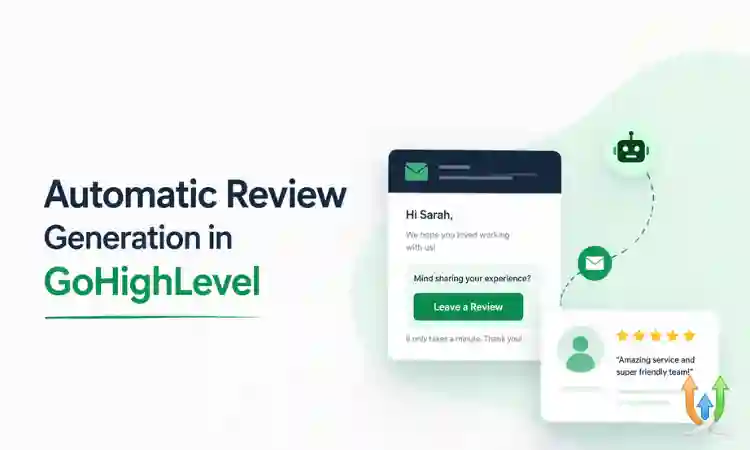
Automatic Review Generation in GoHighLevel (Step-by-Step Guide)
Online reviews play a huge role in how customers choose a business. Whether you run a local service, agency, or clinic, more positive reviews mean more trust and more conversions. GoHighLevel makes it easy to automate the entire review generation process.
This guide explains how to set up automatic review requests, filter feedback, and increase your 5-star ratings using GoHighLevel.
Why Review Generation Matters
Before setting up automation, it is important to understand why reviews are critical:
- Improve local search rankings
- Build trust with new customers
- Increase conversion rates
- Strengthen brand reputation
For industries like dental clinics, reviews directly impact bookings. You can see how this works in detail here: GoHighLevel for Dentist.
How Automatic Review Generation Works
GoHighLevel allows you to send review requests automatically after a customer interaction. This usually happens after:
- Appointment completion
- Service delivery
- Purchase confirmation
The system sends a message asking for feedback, and based on the response, directs users to leave a public review or provide private feedback.
Step 1: Create a Review Request Workflow
Go to the Workflows section and create a new automation.
- Select a trigger such as appointment status completed
- Add a delay of a few hours or one day
- Add an action to send SMS or email
This ensures customers receive the request at the right time.
Step 2: Write a Simple Review Request Message
Your message should be short and friendly.
Example:
"Hi John, thanks for choosing us. We would love your feedback. Please click here to share your experience."
You can send this via SMS or email depending on your setup. Make sure your email system is configured correctly by following this guide: Email Setup in HighLevel.
Step 3: Use a Review Funnel
A review funnel helps filter feedback before sending users to public platforms.
- If the user gives positive feedback, direct them to Google or Facebook
- If the user gives negative feedback, collect it privately
This protects your public reputation while still capturing valuable feedback.
Step 4: Connect Review Platforms
Inside GoHighLevel, connect your review platforms such as Google Business Profile or Facebook.
This allows you to send users directly to your review pages.
Step 5: Automate Follow-Ups
Not every customer will respond to the first request. Set up follow-ups:
- Reminder after 24 hours
- Second reminder after 3 days
This increases response rates significantly.
Step 6: Stay Compliant With SMS Rules
If you are sending review requests via SMS, make sure you follow messaging regulations.
Learn how to stay compliant here: Setup A2P 10DLC in HighLevel.
Best Practices for Review Automation
- Send requests shortly after service completion
- Keep messages short and clear
- Use personalization such as customer name
- Do not overwhelm customers with too many reminders
- Track response rates and improve messaging
Common Mistakes to Avoid
- Sending review requests too early
- Using complicated or long messages
- Ignoring negative feedback
- Not setting up follow-ups
- Skipping compliance checks
When to Work With a GoHighLevel Expert
If you want advanced review funnels, multi-location setups, or integration with other systems, working with a professional can help.
You can work with experienced GHL developers to build a complete review automation system.
Final Thoughts
Automatic review generation in GoHighLevel is one of the easiest ways to improve your online reputation and attract more customers. With the right setup, you can collect consistent 5-star reviews without manual effort.
Start with a simple workflow, test your messages, and optimize over time. As your reviews grow, so will your business.
Author Bio
Lead GHL Developer
Harry’s been deep in the GoHighLevel world for 7+ years, tackling everything from tricky automations to custom API integrations that make clients’ systems hum. If there’s a way to streamline a process, he’s obsessed with finding it. When he’s not coding, he’s probably testing new GHL updates way too late at night.