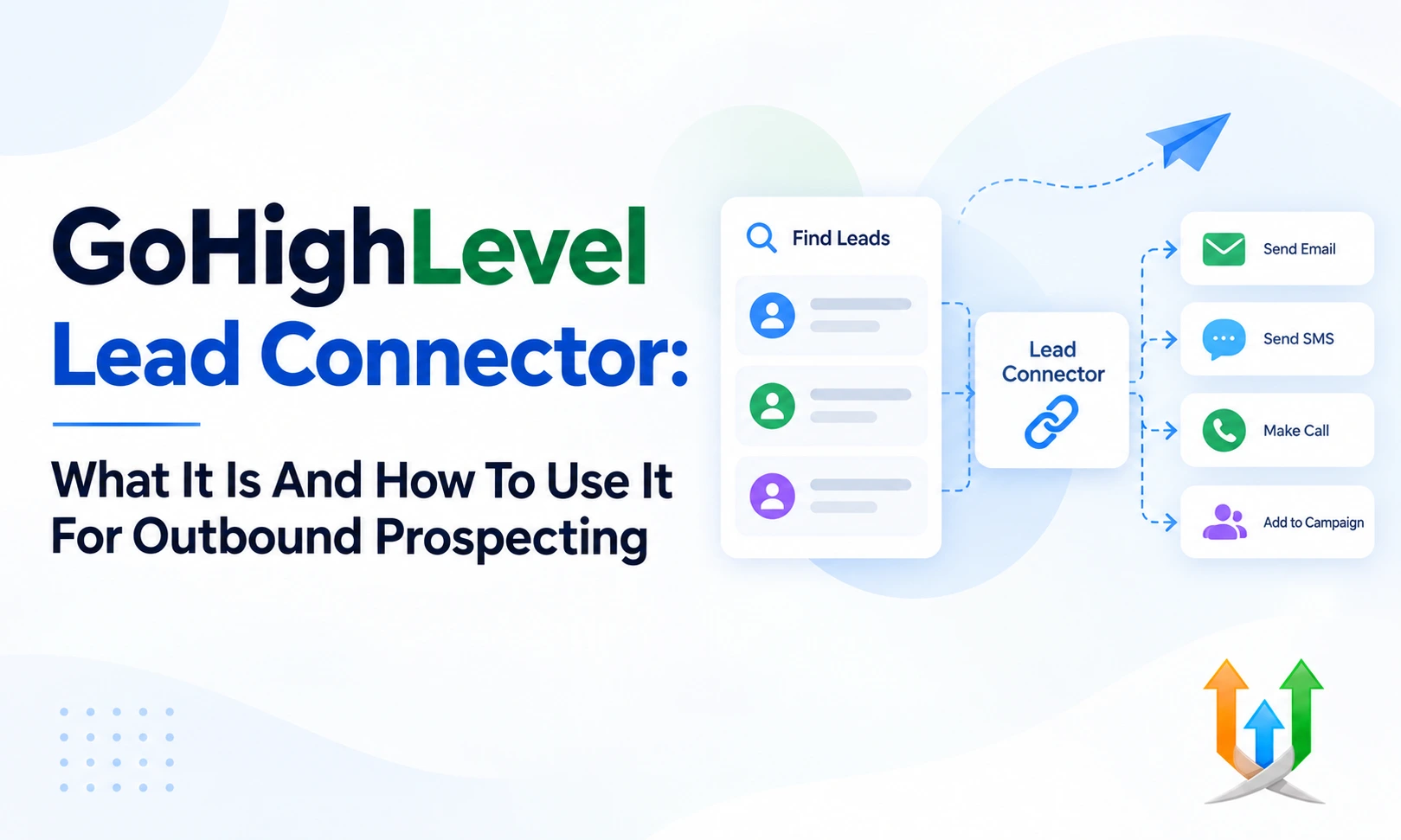
GoHighLevel Lead Connector: What It Is And How To Use It For Outbound Prospecting
Cold outreach is a brutal game of numbers and speed.
You buy a list of 5,000 verified decision-makers. You split the spreadsheet across three sales reps. They sit down to dial, but their phone numbers get flagged as spam by lunch.
Prospects ignore their calls. Reps burn hours manually copying phone numbers from spreadsheets into their personal cell phones.
Learning how to use GoHighLevel LeadConnector for outbound prospecting fixes this operational friction. It turns your database into a centralized outbound engine. I build and audit these high-volume telecommunication setups daily as an experienced ghl developer.
You get a dedicated communication layer that masks personal numbers, records calls, and manages cold outbound sequences from one screen.
What LeadConnector Actually Means For Sales Teams
People get confused because the platform uses the LeadConnector label in three different areas.
First, it refers to the white-label mobile application your reps install on iOS or Android. Second, it refers to the native telecommunication system called LeadConnector Phone and LeadConnector Email. Third, it refers to the official API used to push leads between platforms.
For outbound sales reps, LeadConnector is the engine that handles phone calls, SMS texts, and emails without leaving the CRM interface.
It replaces expensive standalone dialers like PhoneBurner or Aircall. Your sales reps log into their portal or open their phone app. They click a button, and the system dials the prospect immediately.
GoHighLevel LeadConnector Setup For Outbound Sales
You cannot start cold outreach until you configure your telecom settings properly.
A complete GoHighLevel LeadConnector setup for outbound sales begins inside your agency or sub-account billing dashboard. You navigate to Settings and select Phone Numbers.
You must purchase dedicated local or toll-free numbers for your outbound campaigns. Pick area codes that match the geographic locations of your target prospects. People pick up local numbers at three times the rate of toll-free 800 numbers.
Next, you must submit your A2P 10DLC registration profile. Mobile carriers require business verification before approving automated or manual business texting. Fill out your legal business registration details, tax ID, and sample outbound messages. Skipping this step guarantees carriers block your outbound text messages immediately.
How To Set Up LeadConnector In GoHighLevel
Connecting your phone numbers to active users requires proper routing.
Knowing how to set up LeadConnector in GoHighLevel ensures your sales reps place calls without exposing their personal caller IDs. Go to Settings and select My Staff.
Open the profile of each sales representative. Assign a dedicated outbound phone number to each user profile. If Dave handles cold calls for West Coast tech companies, assign Dave a San Francisco or Seattle area code.
Scroll down to the Inbound Call Routing section. You can forward incoming callbacks directly to Dave's mobile phone number or route them to the web app desktop dialer. Turn on call recording inside the phone number configuration settings. The system will record every outbound conversation and save the audio file directly inside the prospect's activity timeline.
How To Organize Outbound Leads In GoHighLevel
Dumping a raw spreadsheet of 10,000 contacts into your database creates chaos.
Understanding how to organize outbound leads in GoHighLevel keeps your sales floor focused on high-priority targets. Start by building custom fields before uploading your CSV file.
Create custom fields for Job Title, Company Size, LinkedIn Profile URL, and Direct Dial Extension. When you import your cold list, map your spreadsheet columns strictly to these custom fields.
Apply a global tag during the import process, such as "List: Q3 B2B Directors." Once the contacts land in your database, build smart lists inside the Contacts tab.
Filter your list by specific criteria, such as "Tag contains B2B" and "Last Activity is empty." Save this view as an active smart list titled "Cold Outbound Queue." Your sales reps open this specific tab every morning to find their daily call batch.
Building A GoHighLevel Outbound Prospecting Workflow
Outbound sales requires a multi-channel cadence.
A single cold phone call rarely closes a deal. A structured GoHighLevel outbound prospecting workflow combines manual phone calls, SMS touchpoints, and personalized emails over a 14-day schedule.
Navigate to the Automation tab and create a new workflow from scratch. Name it "Outbound Sales Cadence - B2B Directors."
Set the trigger to "Contact Tag Added" with the filter "Tag Equals Start Outbound Cadence." This trigger gives your sales reps total control over when a prospect enters the sequence.
Step one of your workflow should be a Manual Call action node. When a lead enters the sequence, the CRM generates a pending call task for the assigned rep. If the rep completes the call and logs the outcome as "No Answer," the workflow branches into an automated follow-up track.
How To Send Outbound Messages With LeadConnector
Communication speed dictates your connection rate.
Learning how to send outbound messages with LeadConnector gives your reps two primary execution options: manual one-on-one outreach and automated sequence drops.
Inside the Conversations tab, reps select a contact record and click the SMS or Email tab at the bottom of the screen. They can type a custom message or insert a pre-written message template using the snippet tool.
Clicking send routes the message through your authenticated LeadConnector number immediately. The prospect receives the text on their personal phone within seconds.
If the prospect replies, the incoming text pops up inside the CRM inbox in real time. The assigned rep gets an immediate desktop alert or a mobile push notification, allowing them to continue the conversation while the prospect is active.
LeadConnector Prospecting Campaign Setup Step By Step
Running large outbound campaigns requires strict pacing to avoid carrier penalties.
A complete LeadConnector prospecting campaign setup relies on the Drip Mode execution feature. When you enroll 500 contacts into an outreach sequence simultaneously, blasting them all at once triggers carrier spam filters.
Open your workflow settings tab. Configure your Drip Mode parameters carefully.
Set the batch quantity to 25 contacts. Set the repeat interval to every 60 minutes. Choose your operating window from 9:00 AM to 5:00 PM in the prospect's local time zone.
This controlled drip schedule makes your outbound traffic look like a real human dialing numbers throughout the business day. It keeps your numbers healthy and protects your domain reputation from sudden volume spikes.
GoHighLevel LeadConnector Sales Outreach Setup For Teams
Managing multiple outbound reps requires clear assignment rules.
A structured GoHighLevel LeadConnector sales outreach setup distributes cold accounts evenly across your sales floor. Use the "Assign to User" action node inside your master workflow.
Select the Round Robin distribution mode and check the boxes next to your active sales reps. The system routes the next contact to whoever has the lightest workload.
You can also turn on the "Only assign to users who are logged in" toggle. This setting prevents leads from stalling in the queue of a rep who called in sick.
Instruct your team to install the LeadConnector mobile application on their phones. Reps can review their assigned tasks, review prospect notes, and place outbound calls while traveling between meetings.
Avoiding Early Mistakes That Break Outbound Pipelines
Rushing your technical setup leads to massive system downtime.
Many agency owners skip basic verification checks and wonder why their outbound sequences fail within two months. Studying why most gohighlevel system fails shows that poor domain hygiene and unverified numbers ruin campaigns fast.
Always warm up your email domains before launching outbound campaigns. Verify your phone numbers through the national CNAM registry so your business name appears on caller IDs instead of "Scam Likely."
Test your workflow execution logs weekly. If an outbound step fails, check whether the contact profile contains a missing phone number or an invalid email format. Catching these small data errors early keeps your team productive.
Managing High Volume Data Exports And Syncing
Outbound teams generate massive amounts of call logs and conversion records daily.
Your sales managers need clear visibility into daily call metrics without pulling manual reports from multiple sub-accounts. You can connect highlevel to google sheet documents to build live outbound tracking dashboards.
Add a Google Sheets action node to your workflow right after the Manual Call outcome step. The workflow logs the rep's name, the prospect's company, the call duration, and the final outcome to a shared Google Sheet.
Your management team opens the spreadsheet to track total daily dials, connection percentages, and pipeline values in real time. This automated reporting eliminates manual end-of-day sales recaps completely.
Expanding Your Outbound Capabilities With Marketplace Extensions
The native platform handles core calling and texting exceptionally well.
Certain specialized outbound workflows require third-party tools like phone validation services or data enrichment engines. Browsing the highlevel app marketplace connects you with verified developer tools that expand your prospecting capabilities.
You can install extensions that verify mobile line types before your reps place a call. These apps flag landline numbers automatically, preventing your system from attempting to send text messages to dead numbers.
You can also integrate third-party dialing assistants that dial multiple numbers in parallel. When a live human answers, the tool bridges the call to your rep inside the CRM window instantly.
Transitioning Cold Prospects To Direct Agreements
The goal of outbound outreach is closing deals and getting contracts signed.
When a cold prospect agrees to your proposal on a phone call, you must capitalize on that momentum immediately. You can review how to sign documents in ghl to build direct agreement workflows.
Create a workflow trigger that listens for when an opportunity moves to the "Verbal Agreement" stage. The system populates a pre-built agreement template with the prospect's company details and emails it to them while they are still on the phone.
The prospect opens the link, reviews the terms, and signs the agreement on their computer screen. You secure the signature in minutes instead of waiting days for back-and-forth email exchanges.
Converting Conversations Into Automated Bookings
Cold prospects who reply to your outbound text messages often want to schedule a discovery call.
Your reps should not waste time negotiating time slots manually over text. Setting up an ai appointment booking bot allows your system to handle scheduling conversations automatically.
When an outbound prospect texts back asking about your availability, the bot reads the message. It checks your team's live calendar and suggests two open meeting slots.
If the prospect picks a time, the bot confirms the appointment, updates the pipeline card, and fires calendar invites to both parties. Your sales closers simply show up to the Zoom room at the scheduled time.
Maximizing Deal Size With Upsell Funnels
Closing the initial outbound deal is just the first step in maximizing client revenue.
Once a cold prospect becomes a paying customer, you can introduce them to complementary products or service tiers. Implementing intelligent upsell automation sequences increases your average order value without requiring additional sales calls.
Build a post-purchase workflow that triggers thirty days after the initial contract begins. Send an automated email showcasing an advanced package or an operational add-on.
Clients can click a button on a dedicated checkout page to add the upgrade to their monthly subscription. This automated expansion revenue turns modest outbound wins into massive long-term accounts.
Packaging Software Retainers In Your Catalog
Outbound sales teams need clear pricing options when presenting offers to clients.
Instead of quoting custom estimates on every call, package your core deliverables into standardized products. Configuring your ghl product catalog allows your reps to pull pre-set services directly into digital proposals and invoices.
You create standard monthly retainers, setup fees, and software licenses inside your central inventory settings. When a rep pitches an account, they select the appropriate product bundle from a dropdown menu.
The system generates an accurate invoice with the exact pricing terms, preventing sales reps from quoting unauthorized discounts or confusing your accounting department.
Handling Objections And Cold Call Execution In Real Time
Executing outbound calls requires discipline and structured objection handling.
Your reps will encounter gatekeepers, brush-offs, and aggressive objections daily. Build a comprehensive objection handling cheat sheet directly into custom contact fields or internal workflow notes.
When a rep opens a contact record, they should see prompt cards for common objections like "We already use a competitor" or "Send me an email."
Train your reps to log the specific objection reason inside the contact's custom dropdown field. This data allows you to segment your non-converting leads. You can launch tailored re-engagement workflows three months later addressing that exact objection with a targeted case study.
Monitoring Carrier Deliverability And Spam Flags
Phone numbers get burned if your reps dial aggressively without monitoring metrics.
Telecom carriers monitor call answer rates, short-duration call frequencies, and consumer spam reports continuously. If your answer rate drops below 10 percent on a specific number, carriers have likely tagged that caller ID as "Spam Likely."
Rotate your outbound phone numbers regularly. Buy a pool of ten numbers and distribute outbound dials across the pool using workflow distribution logic.
Check your phone analytics dashboard inside Settings weekly. Retire numbers that show sudden drops in connection rates and replace them with fresh local numbers. Maintaining clean caller IDs ensures your reps reach live prospects rather than burning their dials on automated voicemail drops.
Daily Routines For High Volume Outbound Reps
Consistency separates top-performing sales floors from struggling agencies.
Establish a strict daily operating procedure for your outbound team inside the CRM.
9:00 AM to 11:30 AM: Power through the manual call queue inside your active smart list. Focus purely on dialing and logging call outcomes without writing long notes.
1:00 PM to 2:30 PM: Review the unified conversation inbox. Reply to incoming text messages, answer prospect emails, and handle live inbound callbacks.
3:00 PM to 4:30 PM: Run your second dialing block targeting prospects in western time zones.
4:30 PM to 5:00 PM: Audit your pipeline cards. Ensure every contact has an assigned next task, an updated stage, and clean custom field notes.
The Long Term Outbound Strategy
Outbound prospecting requires building a continuous engine.
You build the foundation by purchasing local numbers, completing A2P registration, and organizing your contacts with clean tags and custom fields. You craft a multi-channel workflow combining manual calls, SMS prompts, and emails across a 14-day cadence.
You distribute leads fairly using round-robin logic and monitor your team's output through live Google Sheet dashboards. You protect your caller IDs by pacing volume through drip mode and rotating numbers when connection rates dip.
Treating LeadConnector as an interconnected telecommunication system rather than a basic phone app allows your sales team to operate with unmatched speed and consistency.
Author Bio
Lead GHL Developer
Harry's been deep in the GoHighLevel world for 7+ years, tackling everything from tricky automations to custom API integrations that make clients' systems hum. If there's a way to tighten a process, he's obsessed with finding it. When he's not coding, he's probably testing new GHL updates way too late at night.