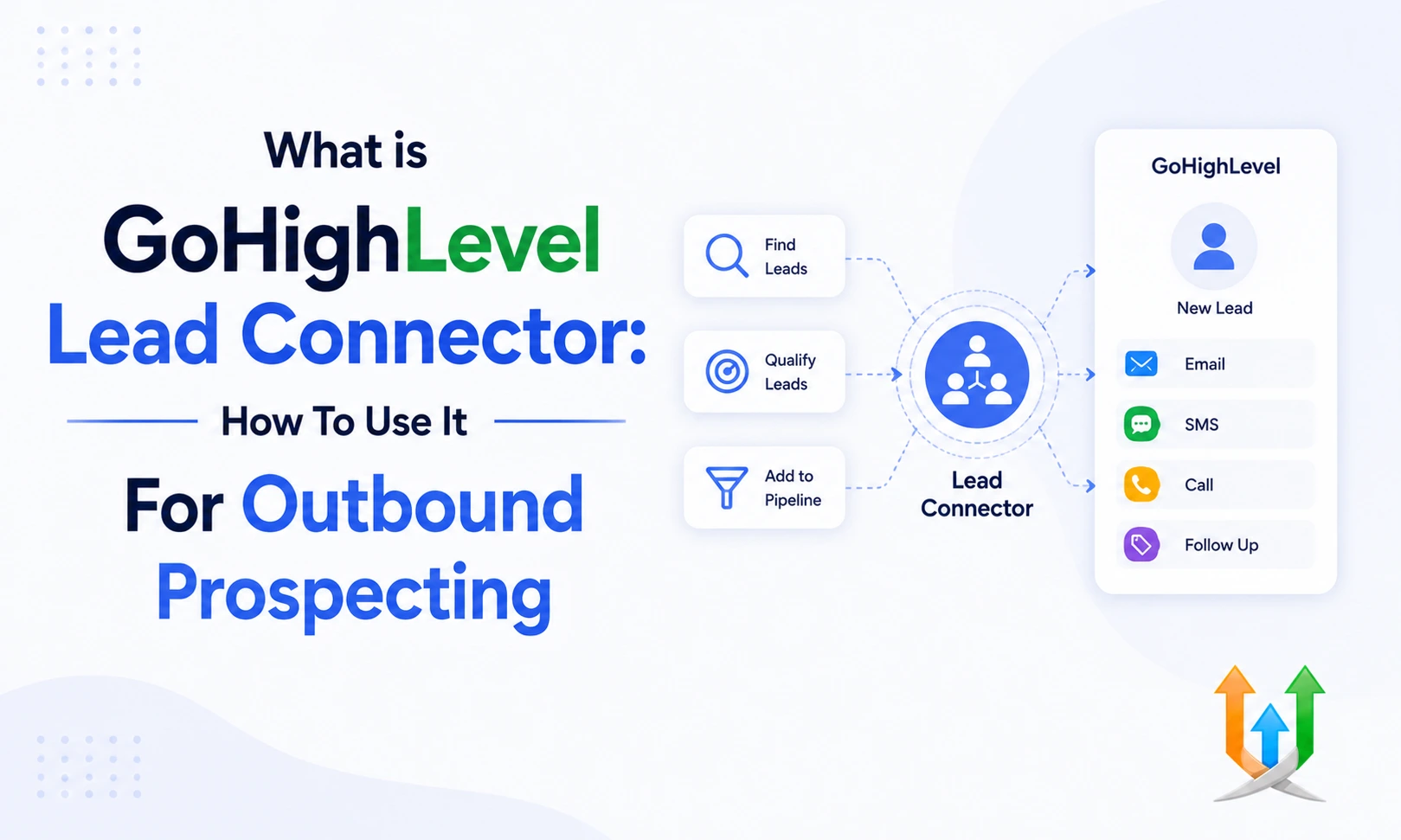
What is GoHighLevel Lead Connector - How To Use It For Outbound Prospecting
Marketing software gets confusing when platforms use multiple names.
You buy a core system subscription. You tell your clients to download an application. The application has a completely different logo and brand name. The GoHighLevel Lead Connector bridges this branding gap intentionally. It provides a neutral brand name for your client facing tools.
I configure these mobile applications and custom API connections daily as a professional ghl developer. You get the full power of the core CRM without exposing the underlying software company to your local business clients. They just see a clean, professional communication tool.
The Two Sides Of The GoHighLevel LeadConnector
The name actually refers to two completely different technical assets.
First, you have the mobile application sitting in the iOS and Android app stores. Second, you have the official API endpoints used for third party software connections. You must understand both to maximize your outbound prospecting. The app handles human communication.
The API handles the automated data transfer between your different software systems. Both share the exact same branding to keep things organized.
Downloading The LeadConnector App
Your clients need a way to manage their business from their cell phones.
You cannot ask a busy contractor to log into a complex desktop marketing suite while they are driving to a job site. They go to the app store and download the LeadConnector app. They log in using the exact same email credentials you created for them in the desktop CRM.
The mobile interface strips away the complex funnel builders and automation screens. It focuses strictly on answering messages and calling GoHighLevel sales leads.
Outbound Prospecting With The Lead Connector CRM
Sales teams live on their phones.
Outbound prospecting requires dialing hundreds of numbers and sending dozens of text messages daily. The Lead Connector CRM puts these tools directly in your pocket. You open the app and see a list of your assigned leads.
You tap a phone number. The app routes the call through your agency Twilio numbers instead of your personal cell phone connection. You track exactly how many outbound dials your sales reps execute every afternoon.
Masking Your Personal Phone Number
Consultants and real estate agents hate giving out their personal cell phone numbers.
Clients call them at two in the morning on a Sunday to ask irrelevant questions. The mobile app solves this privacy issue completely. When you call a prospect through the app interface, the caller ID shows your business tracking number.
When the prospect calls back, the system routes the audio to your phone but records the entire conversation in the contact database. You protect your personal privacy while maintaining a perfect log of every sales interaction.
GoHighLevel Lead Capture Through WordPress
You have a massive website built on WordPress.
You need the organic traffic to flow directly into your sales pipelines. You install the official WordPress plugin. Search the WordPress directory for LeadConnector. Install it and paste your agency API key into the settings panel.
The plugin pulls your intake forms and chat widgets directly onto your website pages. A visitor fills out the form on your blog, and their contact card appears in your mobile app three seconds later.
Managing GoHighLevel Sales Leads In The Inbox
Prospects communicate across five different channels simultaneously.
They send a Facebook message, email your support desk, and text your main business number. The mobile app pulls all these threads into one unified inbox. You open the application and see every message in a single chronological feed.
You tap reply and type your message. The system automatically sends your response back through the exact channel the prospect used initially. You stop switching between four different apps just to answer customer questions.
Using Artificial Intelligence For Prospecting
Writing custom replies to fifty different text messages drains your mental energy.
You can configure the system to draft responses for you. You can build advanced text parsing tools by learning how to use the ai studio in gohighlevel to read incoming questions. The AI reads the prospect message, checks your business knowledge base, and drafts a highly accurate reply.
You just tap the send button. You clear your inbox in a fraction of the time.
Injecting External Language Models
The native AI handles basic scheduling perfectly.
Deep technical support questions require more processing power. You can use gohighlevel with open ai to read complex email threads and summarize the required action steps. The model formats the summary and drops it into the contact notes.
Your sales rep reads a three sentence summary instead of reading a thirty page email chain before picking up the phone.
Configuring The GoHighLevel CRM Connector For Zapier
Sometimes you need data to move between external software and your sales pipelines.
The native integrations handle basic tasks. You need the official Zapier application for complex data routing. You search Zapier for the LeadConnector app. You paste your location API key to authorize the connection.
This setup allows you to trigger internal workflows when external events happen. You can push closed deals to your external accounting software instantly without manual data entry.
Syncing Financial Data With Google Workspace
Your accounting team needs access to your transaction logs.
They do not want to dig through your marketing pipelines to find a receipt. You can connect ghl with google sheets using the native webhook actions. When a prospect pays an invoice through the mobile app, the system pushes a new row to your financial spreadsheet automatically.
Your accountants see the revenue update in real time. Your sales team stays focused on selling while the back office stays perfectly organized.
Troubleshooting GoHighLevel Workflow Mistakes
Automations break when you map custom fields incorrectly.
A prospect fills out a form on your website but never receives the confirmation text message. You must audit your trigger rules constantly. I highly recommend reading the guide covering the most common gohighlevel workflow mistakes before you launch a paid advertising campaign.
Fixing a broken sequence takes five minutes if you know exactly which error log to check. A clean execution log guarantees your mobile app receives the leads correctly.
GoHighLevel Lead Tracking And Analytics
You need to know exactly which marketing campaigns produce paying clients.
The mobile app features a dedicated reporting tab. You tap the screen and see your active conversion rates. The dashboard shows you how many calls your team made today. It shows you the total pipeline value sitting in your active stages.
You monitor your entire sales operation while waiting in line for coffee. The data updates instantly when your reps log new activity.
Moving Contact Cards Across Pipelines
Sales requires momentum.
When you finish a discovery call with a prospect, you need to update their deal stage immediately. You open the app and navigate to the Opportunities tab. You see your visual pipeline columns.
You drag the prospect card from the Discovery Call stage into the Proposal Sent stage. This physical swipe action triggers your backend workflows. The system emails the PDF proposal to the client instantly based purely on your mobile swipe.
Executing Bulk SMS Campaigns
You have a list of two thousand cold leads sitting in your database.
You want to generate immediate sales conversations. You filter the list in your mobile app by a specific tag. You select all the contacts and tap the bulk text icon. You type a short question offering a free consultation.
The system drips the messages out slowly to protect your phone number reputation. Your phone starts vibrating minutes later as replies flood into the unified inbox.
Handling GoHighLevel Lead Management Tasks
Your sales reps forget to call people back.
Human memory fails constantly under pressure. The mobile app solves this with a strict task management system. You create a task to call a specific prospect next Tuesday at noon.
The system sends a push notification to your phone exactly at noon. You tap the notification, the contact card opens, and you press the call button. You never drop a lead again because the app forces you to pay attention.
Requesting Payments Through Text Message
Chasing unpaid invoices kills your cash flow.
A client promises to pay you on Friday but never logs into their email to click the payment link. You open the conversation tab in the mobile app. You tap the request payment icon.
You type the amount owed and hit send. The client receives a secure Stripe checkout link via text message. They pay the invoice using Apple Pay on their phone in ten seconds. Text messages secure revenue faster than email.
Managing Negative Client Feedback
Not every client leaves happy.
A one star review destroys your online authority. The platform gives you a chance to intercept angry customers. You set up a feedback form that asks the client about their experience. If they select a negative rating, the gohighlevel reputation management system alerts you instantly.
You call the client from the app and resolve the issue before they post the review publicly. You protect your local map rankings through rapid intervention.
Generating Automated Google Reviews
Social proof dictates your local search rankings.
You need five star reviews constantly. You can trigger these requests manually from the app. You finish a successful job and tap the review request icon while standing next to the client.
If you prefer a hands off approach, you configure automatic review generation in ghl to send the request exactly two days after you close a deal. The system builds your public authority passively.
Booking And Modifying Calendar Appointments
A prospect texts you asking to reschedule their meeting.
You do not need to open your laptop. You tap the calendar icon in the bottom navigation bar. You find their existing appointment block. You tap edit and move the meeting to Thursday.
The system automatically fires a confirmation text to the prospect with the updated time and the new Zoom link. Your schedule stays perfectly organized on the fly.
Uploading Media And Voice Notes
Sometimes typing takes too long.
A client asks a complex question about a recent project installation. You hold the microphone button in the chat window and record a sixty second voice note. You tap send.
You can also snap photos of a completed job site directly from your phone camera and text them to the client. The media files save permanently to the contact activity log. You build a visual history of the entire project directly inside the CRM.
Utilizing Pre Built Industry Snapshots
Setting up these pipelines and communication templates takes hours of technical work.
You can skip the build phase entirely by loading a pre configured system template. If you sell financial policies, deploying a tested insurance management snapshot gives you instant access to proven sales pipelines.
The forms, emails, and custom fields populate your account immediately. You just log into the mobile app and start dialing leads on day one.
Customizing The Application Interface
Agency owners can customize how the app looks for their clients.
You can change the primary color scheme to match your branding. You control exactly which tabs your clients can see. If a client gets confused easily, you hide the reporting and calendar tabs. You leave them with just the conversation inbox and the contact list.
This simplified view prevents technical support tickets and keeps the client focused entirely on closing deals.
Establishing Notification Settings
Push notifications drive rapid response times.
You must configure your phone alerts properly to avoid notification fatigue. You go into the app settings and turn off alerts for automated system actions. You only want your phone to vibrate when a real human replies to a text message or submits a new lead form.
Strict notification boundaries protect your focus during deep work sessions. You reply to hot leads instantly while ignoring the automated background noise.
The Future Of Mobile Prospecting
The desktop computer is no longer required for heavy sales operations.
The mobile application turns your smartphone into a complete enterprise tracking system. You capture the attention on social media. You route the data through the API. You execute the phone call and collect the payment while walking through an airport.
Mastering this specific toolkit gives you absolute geographical freedom while you scale your revenue.
Author Bio
Lead GHL Developer
Harry's been deep in the GoHighLevel world for 7+ years, tackling everything from tricky automations to custom API integrations that make clients' systems hum. If there's a way to tighten a process, he's obsessed with finding it. When she's not coding, she's probably testing new GHL updates way too late at night.