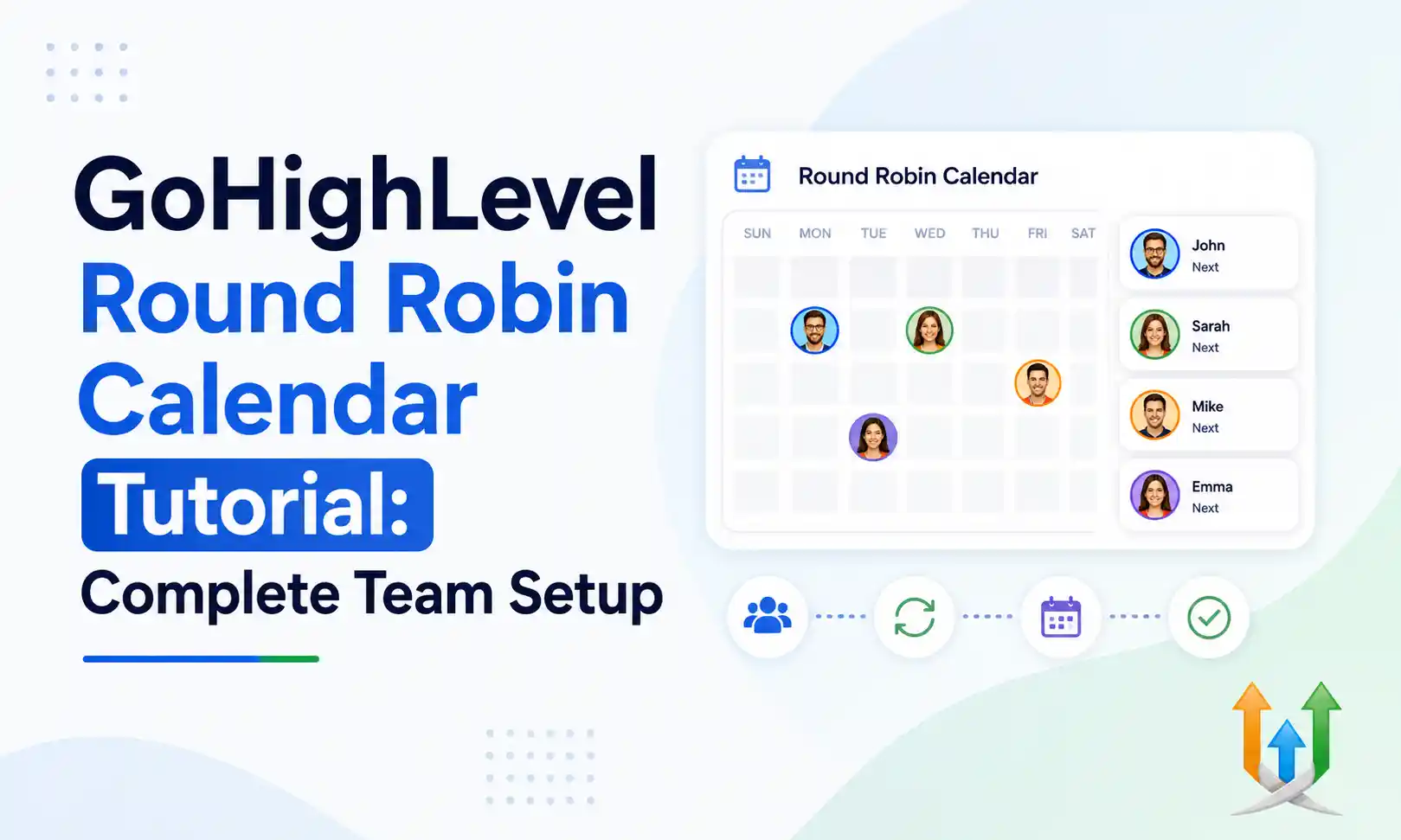
GoHighLevel Round Robin Calendar Tutorial: Complete Team Setup
Sales teams lose leads when scheduling gets messy.
A prospect wants to book a demo right now. Your top closer is busy on another call. The prospect leaves your website and calls a competitor. A round robin calendar routes that traffic automatically. It checks your entire sales floor for open time slots and assigns the meeting to the next available representative. I configure these exact routing systems constantly alongside expert ghl developers.
Getting this setup right prevents double bookings. It keeps your sales floor moving. Here is exactly how to build a smart routing calendar for your team.
How To Add Users To Round Robin Calendar GHL
You must prepare your staff profiles before you touch the calendar settings.
Navigate to Settings and click My Staff. Add your sales representatives to the system one by one. Fill out their names, phone numbers, and email addresses completely. Assign them specific user permissions. You usually want to restrict sales reps to only see their assigned data. This keeps them focused on their own leads.
Connect their personal Google or Outlook calendars inside their user profiles. This step dictates the success of the entire system. The CRM needs to read their private calendars to block off time for doctor appointments or internal team meetings. If a rep skips connecting their Gmail account, the calendar will double-book them on day one.
Scroll down to the Meeting Location field in their user profile. Paste their personal Zoom or Google Meet link here. The round robin system will pull this specific link dynamically later.
How To Set Up GoHighLevel Round Robin Calendar
Your users are ready. Now you build the actual calendar.
Go to the Calendars tab in the main menu. Click Calendar Settings, then hit the Create Calendar button. The system presents several layout options. Choose the Round Robin option. Name your calendar something clear for your internal team, like Inbound Discovery Calls. Add a short description.
You will see a Team Members section. Click the dropdown menu. Select every sales rep you created in the first step. You can add or remove users from this specific calendar at any time without deleting the whole setup.
GoHighLevel Multi-user Calendar Setup Configurations
You have to tell the system exactly how to distribute the meetings.
You get two choices for routing logic. You can optimize for availability or optimize for equal distribution. Availability looks at the schedule and assigns the meeting to whoever is free first. This gets the prospect on a call as fast as possible. Use this for high-urgency inbound leads.
Equal distribution ensures every rep gets the exact same number of leads over the month. The system tracks the meeting counts. If John has five meetings and Sarah has four, the system forces the next booking onto Sarah's calendar. Choose equal distribution if you pay your team on commission. It keeps the sales floor fair and stops reps from fighting over lead volume.
Configure Team Calendars In GoHighLevel For Availability
You must set strict boundaries on when people can book your team.
Set your meeting duration to thirty minutes. Add a fifteen-minute buffer between appointments. Sales calls frequently run long. Give your reps time to write their CRM notes before the next prospect logs into the Zoom room.
Set your minimum scheduling notice to four hours. You do not want a prospect booking a meeting three minutes before it starts while your rep is grabbing coffee. Set a date range limit of seven days. If you let prospects book a call three weeks in advance, they will forget about you and miss the appointment. Force them to book a time this week while their interest is high.
Advanced GHL Round Robin Scheduling Guide Options
Turn on the sticky contact routing feature.
Sticky contacts change how the round robin behaves for returning leads. If a prospect spoke to John last month and decides to book another call today, the system recognizes their email address. It bypasses the round robin logic completely. It assigns the meeting directly back to John. This preserves the existing sales relationship.
You also need custom qualifying questions. Build a custom form in the main form builder asking for business revenue and specific pain points. Go back to your calendar settings and attach this custom form. The prospect must answer these questions to claim a slot on your sales floor.
Specific Niche Uses For Round Robin Routing
Different business models rely heavily on smart distribution logic.
A recruitment agency running a highlevel for hr pipeline uses round robin to assign candidate interviews evenly across their available recruiters. This speeds up the hiring process massively.
An educational brand running a ghl for stock market coaching program uses it to route portfolio reviews to specific financial coaches based on who is online during active market hours.
A local gohighlevel for music school facility uses round robin to assign trial piano lessons to whichever instructor has an open room on a Tuesday night. The parent gets an immediate booking confirmation, and the studio keeps its rooms full.
Automating The Booking Process With AI
You can remove humans from the scheduling process entirely.
You can connect a conversational AI bot directly to your round robin setup. The bot chats with the lead via text message, checks the round robin availability in real time, and secures the slot. Read the technical guide on how to setup ai automation booking to implement this zero-touch scheduling engine.
The bot handles the back and forth negotiations about time slots. Your sales team just looks at their calendar in the morning and sees a full day of qualified appointments waiting for them.
GoHighLevel Round Robin Calendar Tutorial: Troubleshooting
Routing calendars sometimes behave strangely if user settings conflict.
A rep complains they are getting booked at two in the morning. Check their user time zone settings immediately. The individual staff profile time zone overrides the master calendar time zone. If the agency is in New York but the rep profile is set to Tokyo, the routing logic will book them based on Japanese business hours.
Sometimes you experience API connection drops with Microsoft or Google. If your calendar integration suddenly stops syncing and double-books a rep, read the developer documentation to fix 400 error codes. Reconnecting the OAuth permissions usually clears the blockage instantly.
Managing Data Migrations Cleanly
Moving a large sales team from a tool like Calendly into a new CRM routing system requires extreme care.
You have to migrate their existing upcoming appointments first. If you just flip the switch, your reps will miss the meetings they booked last week. Use professional ghl migration services to port the historical calendar data over cleanly.
A clean migration protects your revenue projections for the month. Once the data lands safely, you turn on the round robin distribution and let the system handle the inbound volume automatically.
Author Bio
Lead GHL Developer
Harry's been deep in the GoHighLevel world for 7+ years, tackling everything from tricky automations to custom API integrations that make clients' systems hum. If there's a way to tighten a process, he's obsessed with finding it. When he's not coding, he's probably testing new GHL updates way too late at night.