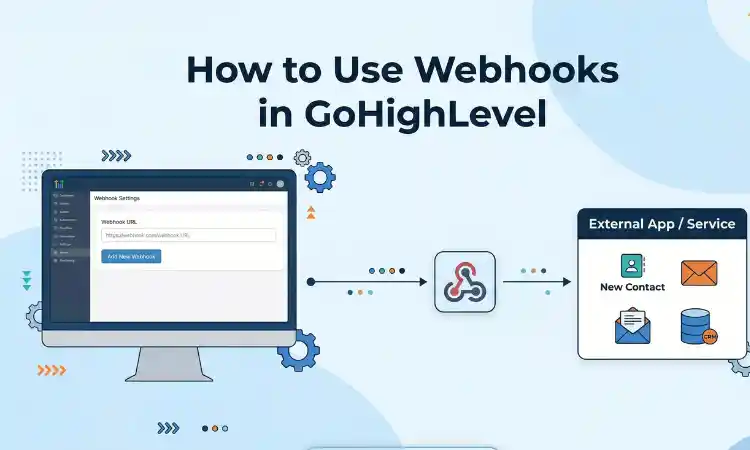
How to Use Webhooks in GoHighLevel (Step-by-Step Guide)
Webhooks are one of the most powerful features inside GoHighLevel. They allow you to send and receive real-time data between GoHighLevel and other platforms without manual work. If you want to connect external tools, automate complex workflows, or sync data instantly, webhooks are essential.
This guide explains how webhooks work in GoHighLevel, how to set them up, and how to use them in real scenarios.
What Is a Webhook
A webhook is a way for one system to send data to another system automatically when an event happens. Instead of pulling data manually, the system pushes it instantly.
For example, when a new lead is created in GoHighLevel, a webhook can send that data to another app like Google Sheets, a CRM, or a custom API.
Why Use Webhooks in GoHighLevel
Webhooks help you extend GoHighLevel beyond its built-in features. You can connect it with external tools, automate tasks, and create custom workflows.
- Send lead data to external systems
- Trigger actions in third-party apps
- Sync contacts and deals across platforms
- Automate reporting and notifications
Types of Webhooks in GoHighLevel
1. Outbound Webhooks
These send data from GoHighLevel to another system when an event occurs.
2. Inbound Webhooks
These allow external systems to send data into GoHighLevel.
Step-by-Step: How to Create an Outbound Webhook
- Go to Automation and open Workflows
- Create a new workflow or edit an existing one
- Add a trigger such as form submission or tag added
- Click Add Action and select Webhook
- Paste the webhook URL from your external tool
- Choose POST method
- Add custom data if needed
- Save and publish the workflow
Once set up, GoHighLevel will send data automatically whenever the trigger is activated.
Step-by-Step: How to Use Inbound Webhooks
- Go to Settings or API section in GoHighLevel
- Generate a webhook endpoint URL
- Copy the URL
- Paste it into your external system
- Configure the data format
This allows external platforms to send contact or event data directly into GoHighLevel.
Common Webhook Use Cases
1. Lead Sync With External Tools
Send leads from GoHighLevel to Google Sheets or a custom dashboard for reporting.
2. Payment Confirmation Automation
Trigger workflows after successful payments. This is useful when handling billing systems. Learn more about payment setups here: Stripe and PayPal Integration Issues.
3. Advanced Lead Nurturing
Send data to external AI tools or systems to personalize follow-ups. Combine this with structured workflows like this: Build a 7-Day Lead Nurture Sequence.
4. Custom SaaS Integrations
If you are running a niche system such as mortgage or real estate, webhooks help connect custom tools and data flows. For example, you can integrate with systems related to this mortgage snapshot.
Best Practices for Using Webhooks
- Always test webhook responses before going live
- Use secure endpoints with authentication
- Validate incoming data before processing
- Log webhook activity for debugging
- Keep payloads clean and structured
Common Webhook Errors and Fixes
Webhook Not Triggering
Check if the workflow trigger is active and correctly configured.
Invalid Response From Server
Ensure your endpoint returns a valid response such as status 200.
Data Missing or Incorrect
Verify field mapping and payload structure.
When to Work With a GoHighLevel Expert
Webhooks can become complex when dealing with APIs, authentication, and custom logic. If your setup involves multiple systems, working with a professional is a smart choice.
Experienced GoHighLevel developers can help you build reliable webhook integrations and advanced automation systems.
Final Thoughts
Webhooks unlock the full power of GoHighLevel by connecting it with external systems and automating data flow in real time. Once you understand how to use them, you can build highly flexible and scalable workflows.
Start with simple integrations, test thoroughly, and expand your setup as your business grows.
Author Bio
Lead GHL Developer
Harry’s been deep in the GoHighLevel world for 7+ years, tackling everything from tricky automations to custom API integrations that make clients’ systems hum. If there’s a way to streamline a process, he’s obsessed with finding it. When he’s not coding, he’s probably testing new GHL updates way too late at night.