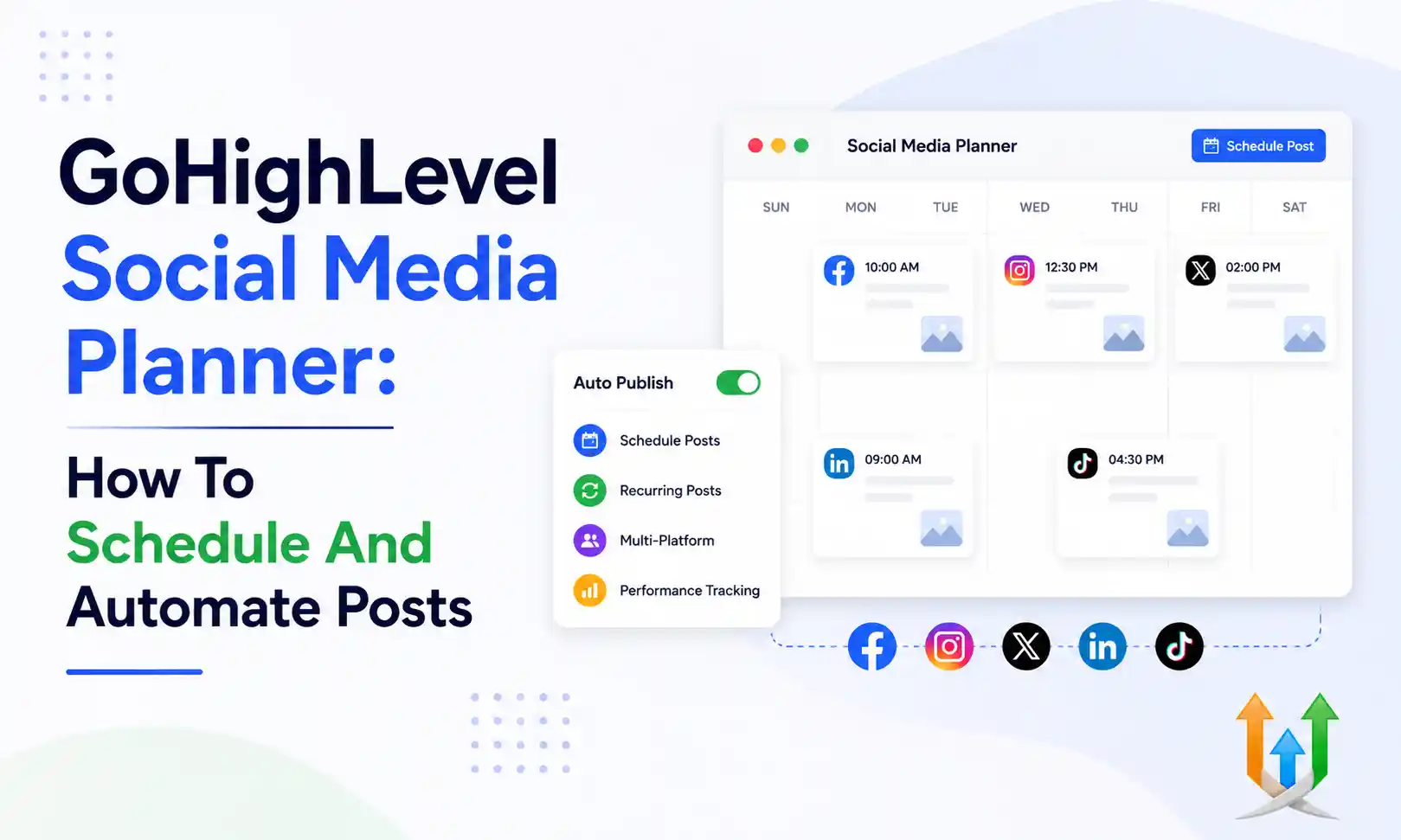
GoHighLevel Social Media Planner: How To Schedule And Automate Posts
Managing six different social media accounts drains your focus.
You log into Instagram to post a graphic. You switch to LinkedIn to write a professional update. You open Facebook to share a link. The constant context switching kills your productivity. Most businesses patch this problem by buying a dedicated scheduling tool like Buffer or Hootsuite. That just adds another expensive monthly subscription to your credit card statement.
Consolidating your marketing stack removes this friction completely. Agencies frequently hire a ghl developer to build complex automated systems. The native GoHighLevel social media planner works perfectly right out of the box without any custom code. You connect your accounts once and schedule an entire month of content in a single afternoon.
Here is exactly how to configure the tool and automate your organic traffic strategy.
Connecting Your Social Media Accounts
You must authorize the platform to post on your behalf.
Navigate to the Marketing tab in the left menu. Select Social Planner. You will see a grid of social media icons. The system currently supports Facebook pages, Facebook groups, Instagram business accounts, Google Business Profiles, LinkedIn, X, and TikTok.
Click the icon for your primary platform. A popup window appears asking you to log into your social account. Approve the permission request. The system needs full access to publish posts and read your profile data. Repeat this process for every active channel your business operates.
If you manage social accounts for multiple clients, you handle this inside their specific sub-accounts. You never mix client A data with client B data. Every sub-account maintains its own isolated social planner connections.
How To Schedule Social Media Post In GHL
Creating your first piece of content takes seconds.
Click the New Post button in the top right corner of the planner dashboard. A creation window opens. Select the social accounts you want to post to by clicking their icons. You can select one specific Instagram account or broadcast the same message across all six connected platforms simultaneously.
Type your caption in the text box. The system shows a live preview of exactly how the post will look on a mobile device on the right side of your screen. Click the media icon below the text box to attach your graphics or videos. You can upload files directly from your computer or select assets previously saved in your media library.
Once your post looks perfect, look at the bottom right corner. You can click Post Now to publish it immediately. You can click Schedule Post to pick a future date and time. You can also click Save for Later to drop it into your drafts folder.
Customizing Content For Different Platforms
A post written for LinkedIn rarely works on X.
LinkedIn audiences prefer long text formatting with generous spacing. X restricts your character count heavily. Instagram demands high-quality square images. The social planner allows you to customize the exact same post for different networks without creating duplicate drafts.
When you select multiple platforms in the creation window, a Customize for Each Channel toggle appears. Flip that switch. The text box splits into individual tabs for each selected network. You can write a detailed 500-word essay in the LinkedIn tab and cut it down to a single punchy sentence in the X tab.
This feature allows you to maintain consistent ghl branding across the internet while respecting the native formatting rules of each specific platform.
Using The Content Calendar View
Visualizing your marketing output keeps your strategy organized.
The planner provides a comprehensive calendar view. You see a standard monthly grid displaying every scheduled post. A quick glance tells you if you have gaps in your publishing schedule. If you notice a busy week followed by three empty days, you just drag and drop a post box from Tuesday to Thursday.
The system updates the scheduled publishing time automatically. This visual drag-and-drop capability operates similarly to a round robin calendar tutorial setup for sales teams. It gives management a clear bird's-eye view of upcoming activity.
Automating Approval Workflows For Marketing Agencies
Marketing agencies cannot publish content blindly to a client account.
You need documented approval to protect yourself from liability. The platform handles this review process natively. Your social media manager drafts a week of posts and clicks Send for Approval instead of Schedule.
The system generates a secure link. You send this link to your client. The client opens the link and sees a clean preview of all pending posts. They click approve or reject on each individual item. Approved posts automatically move to the scheduled queue. Rejected posts bounce back to your ghl devs team with client notes attached.
You eliminate messy email threads and confusing spreadsheets completely. The client signs off on the work directly inside the system.
Integrating AI Content Generation
Writing fresh captions every single day burns out creative teams.
The social planner includes a native Content AI button right inside the text editor. You click the button, provide a brief topic description, and select a desired tone of voice. The AI generates three different caption options complete with relevant hashtags.
If you require highly technical or industry-specific copy, you can construct custom generation models. You can pass raw company data through external webhooks by using claude ai inside ghl to draft incredibly nuanced posts. The native tool works perfectly for standard promotional content.
Highlevel For Social Media Post Schedule CSV Uploads
Some agencies prefer building their content calendars in massive spreadsheet batches.
You can upload an entire month of content at once using a CSV file. Download the sample CSV template from the platform. Fill column A with your post dates. Fill column B with your exact text captions. Fill column C with the URL links to your hosted images.
Upload the completed file into the planner. The system maps the columns and populates your calendar instantly. Using highlevel for social media post schedule batches saves hours of manual data entry.
Converting Organic Engagement Into Real Pipeline Leads
Posting content is useless if it does not generate revenue.
When someone comments on your Facebook post, you need to capture their information. You connect your social accounts to the central conversation tab. When a prospect sends a direct message to your Instagram page, that message appears inside your CRM inbox.
Your sales team replies to the Instagram DM directly from the desktop application. If the conversation goes well, they create a contact profile and move the lead into a sales pipeline. You can use this exact inbound strategy when connecting facebook leads to gohighlevel to unify your paid and organic data capture.
Driving Traffic To Automated Booking Systems
Your social media posts must include clear calls to action.
Tell your audience to click the link in your bio. Point that link to a highly optimized funnel built inside the platform. The funnel page should feature a direct calendar widget.
If you want to remove human friction entirely, implement an ai automation booking bot on that landing page. The visitor clicks your social post, lands on the page, and chats with the bot to secure a time slot. You convert casual scrollers into booked appointments while you sleep.
Capturing Emails From Social Traffic
You do not own your social media followers. The platform can ban your account at any moment.
You must move your audience off the social network and onto an email list. Offer a free guide or a discount code in your posts. Send the traffic to an opt-in form. Once they submit their email address, they drop into your database.
You trigger an automated welcome sequence immediately. Ensure you monitor your sender reputation closely. Follow the standard process to warm up email domains before blasting your new subscriber list. A clean email list provides reliable revenue that social algorithms cannot touch.
Managing Video Content For TikTok And Reels
Short-form video dominates organic reach algorithms right now.
You must publish vertical video consistently to grow an audience. The social planner supports video uploads directly to TikTok, Instagram Reels, and YouTube Shorts. You upload your edited MP4 file, write a punchy caption, and schedule the release.
Video marketing requires aggressive follow-up. Review the operational guidelines for running gohighlevel and tiktok ads to see how fast video consumers make purchasing decisions. Your organic strategy needs the same rapid response infrastructure behind the scenes.
Tracking Social Performance And Analytics
You must measure the impact of your publishing schedule.
The planner includes a dedicated analytics dashboard. You can see your total follower growth, engagement rates, and top-performing posts across all connected networks. This data tells you exactly what type of content your audience actually wants to read.
If your educational text posts perform poorly but your short videos get massive traction, you adjust your production strategy. Hard data prevents you from wasting hours writing content nobody reads. This analytical approach perfectly mirrors the reporting structures used in professional ghl seo services to track organic search growth.
Cross-Channel Marketing Follow Up
Social media acts as the top of your marketing funnel. It introduces your brand.
Once you capture the lead, you follow up through multiple different channels. You send emails. You fire automated SMS messages. You might even trigger automated phone calls.
Implementing gohighlevel voice ai allows your system to call interested prospects automatically after they opt into your social media funnels. You hit the lead from three different angles, guaranteeing they see your offer.
Using GHL For Social Media To Scale Fast
The platform eliminates the need for expensive third-party scheduling tools completely.
You write your captions, upload your graphics, and let the system publish everything automatically. You view your entire month of marketing output on a single screen. You loop your clients into a secure approval process without using messy spreadsheets.
The true power lies in the connection to the CRM. A standalone scheduling tool just posts graphics. GHL for social media posts the graphic, catches the direct message, captures the email address, and books the sales call automatically.
You turn a simple brand awareness strategy into a measurable, closed-loop revenue engine.
Author Bio
Lead GHL Developer
Harry's been deep in the GoHighLevel world for 7+ years, tackling everything from tricky automations to custom API integrations that make clients' systems hum. If there's a way to tighten a process, he's obsessed with finding it. When he's not coding, he's probably testing new GHL updates way too late at night.