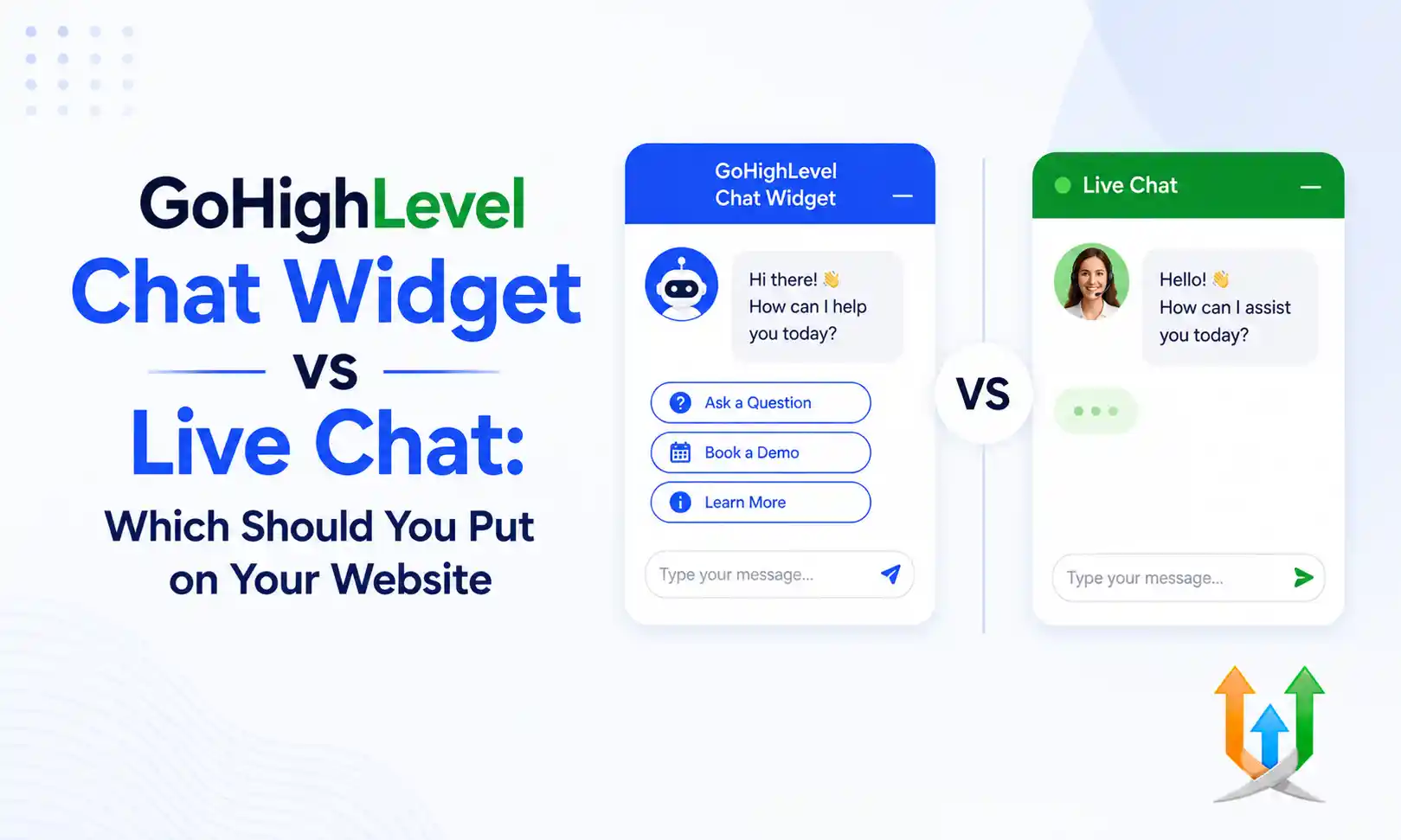
GoHighLevel Chat Widget Vs Live Chat: Which Should You Put On Your Website?
Website visitors have zero patience. They land on your homepage, scroll for ten seconds, and leave if they cannot find a price or a phone number. A chat bubble sitting in the bottom corner of your screen acts as a safety net. It catches confused prospects before they close the browser tab.
The platform gives you two distinct ways to build this net. You can use the traditional SMS lead capture widget, or you can activate real-time web chat. I configure both architectures daily for massive sales floors as a hire ghl developer specialist. The debate over gohighlevel chat widget vs live chat dominates agency strategy meetings constantly.
Choosing the wrong option destroys your conversion rate. You must understand exactly how these two tools handle consumer psychology and data capture before you install either one on your client sites.
Understanding The Traditional SMS Chat Widget
The original GoHighLevel widget operates as a text message gateway.
A visitor clicks the bubble on your website. A small form pops up asking for their name, phone number, and their specific question. The visitor types their message and hits send. The widget displays a confirmation message telling them a representative will text them shortly.
The system creates a contact record in your database instantly. It routes the visitor question into your unified inbox. When your sales rep types a reply on their computer, the system sends that reply as an SMS text message directly to the cell phone of the visitor.
Analyzing The Live Chat Functionality
The platform recently introduced a true live chat mode.
You can toggle this feature on inside your widget settings. When a visitor clicks the bubble in live chat mode, they do not have to enter their phone number immediately. They just start typing.
Your sales rep sees the incoming message in the CRM and types a reply. The reply appears instantly in the browser window of the visitor. It functions exactly like Intercom or Zendesk. The conversation happens in real time directly on your website URL.
The Speed To Lead Problem With Real Time Chat
Live chat sounds perfect until you calculate human response times.
A visitor asks a question at two in the afternoon. Your sales rep is on a phone call and takes four minutes to notice the ping. The visitor stares at a blank chat window for three minutes, gets bored, and opens a new browser tab.
They forget about your website completely. They close the window twenty minutes later. The connection dies permanently. You lost a hot lead because your human staff could not type fast enough to hold their attention.
Why The SMS Widget Fixes Tab Abandonment
The SMS widget removes the browser tab dependency entirely.
The visitor submits their question and leaves your website immediately. They go back to scrolling social media or working on their spreadsheet. Ten minutes later, your sales rep sees the message and replies.
The reply hits the cell phone of the prospect. Their phone vibrates. They read your message and reply via text. You own the communication channel permanently. You can text them tomorrow, next week, or next month. The SMS widget guarantees you capture the phone number before the conversation even begins.
Evaluating GoHighLevel Chat Widget Pros And Cons
Every agency owner must weigh the operational costs of these two systems.
The primary advantage of the SMS widget is asynchronous communication. Your team can take an hour to reply without losing the lead. The primary disadvantage is the friction of asking for a phone number upfront. Some visitors will refuse to enter their personal cell number just to ask a simple pricing question.
The primary advantage of live chat is high engagement. Visitors love typing anonymous questions. The massive disadvantage is the staffing requirement. You must have a human staring at a screen waiting to reply within thirty seconds. If you cannot staff a chat desk properly, live chat will make your business look incompetent.
GoHighLevel Chat Widget Or Live Chat For Agencies
Marketing agencies sell measurable results to their local business clients.
If you build a website for a roofing company, the owner wants to see a list of actual leads you generated. The SMS widget forces the visitor to hand over their phone number. You can point to your reporting dashboard at the end of the month and show the roofer fifty specific phone numbers you collected.
Live chat often generates anonymous conversations that never convert into actionable contact records. The visitor asks a question, gets their answer, and leaves without ever giving you their name. Agencies strongly prefer the SMS widget because it guarantees lead capture.
Best Live Chat Option For GoHighLevel Users In Customer Support
Certain business models require real-time browser communication.
If you sell a software product, your logged-in users need immediate technical support. They are sitting at their computer trying to fix a bug. They do not want a text message ten minutes later. They want an agent to walk them through the interface right now.
In this specific scenario, the native GoHighLevel live chat mode wins. You route your technical support staff to monitor the unified inbox continuously. They handle the browser chats instantly while the user remains logged into your application.
Staffing Your Chat Operations With The Mobile App
Local business owners rarely sit at a desk.
A landscaping contractor manages jobs from the passenger seat of a truck. You must instruct your clients to download the ghl lead connector mobile application. When a website visitor submits an SMS widget question, the contractor gets a push notification on their phone.
They open the app, read the question, and type a quick reply while waiting at a red light. The mobile app makes the SMS widget incredibly powerful for blue-collar service businesses that operate entirely in the field.
Bridging The Gap With Artificial Intelligence
You can eliminate the human response delay completely.
You can connect external language models to your CRM inbox. When you gohighlevle with openai via webhooks, the system reads the incoming chat message and drafts a reply instantly. The bot answers the visitor in three seconds.
This AI integration allows you to run true live chat on your website without hiring a twenty-four-hour support desk. The bot handles the repetitive pricing questions and only alerts a human if the visitor asks a complex technical question.
Driving Traffic To Your Website Chat
A chat widget only generates leads if you have consistent website traffic.
You must actively push your audience toward your domain. You schedule your promotional posts using the highlevle social media planner to drive daily clicks. You tell your Facebook followers to visit your website if they have specific questions about your new product line.
The visitor clicks the link, lands on your homepage, and sees the chat bubble bouncing in the corner. You convert cold social media traffic into captive SMS leads within sixty seconds.
Turning Chat Conversations Into Booked Meetings
The ultimate goal of a chat widget is securing a formal appointment.
You do not want to spend three days texting a prospect back and forth. You use the chat to qualify their interest and immediately push for a phone call. You can build an automated workflow to setup appointment boooking protocols directly through the chat interface.
The system drops your calendar link into the chat window. The visitor clicks the link, picks a time, and the CRM updates your pipeline automatically. You turn a casual website question into a firm commitment on your schedule.
Distributing Chat Leads Across Your Sales Floor
High-volume websites generate dozens of chat inquiries every hour.
A single sales rep cannot handle fifty concurrent text message threads. You must distribute the incoming chats fairly across your entire team. You configure a round robin calendar routing system to assign the new contact records evenly.
When the widget captures a new lead, the system assigns it to the next available representative. That specific rep receives the notification and takes ownership of the conversation. This prevents internal arguments over who gets to claim the hottest inbound leads.
GoHighLevel Website Chat Vs Live Chat For E-commerce
Retail stores require aggressive point-of-sale communication.
A buyer sits on your checkout page debating whether to buy the premium package. They open the chat widget to ask a question about your refund policy. If you use live chat, you answer the question instantly and watch them complete the transaction.
Once the payment clears, you push them into a strict gohighlevel upsell automation sequence. You offer them related products via automated email while their buying intent remains exceptionally high. The live chat secures the initial trust required to process the credit card.
Exporting Chat Logs For Client Reporting
Your agency clients demand proof that your website designs actually work.
You cannot just tell them the chat widget is generating traffic. You have to show them the data. You build a workflow to connect ghl with google sheet documents for real-time reporting.
Every time a visitor submits a question through the chat bubble, the system pushes a new row to a shared spreadsheet. The spreadsheet logs the visitor name, their phone number, and the exact question they asked. Your client opens this document on Friday afternoon and sees a massive list of tangible leads your agency provided.
Managing After Hours Chat Traffic
Your human sales team eventually goes to sleep.
Website visitors do not care about your business hours. They will submit chat questions at three in the morning. If you run the live chat mode, you must configure your out-of-office settings carefully. The system allows you to define your active business hours inside the widget configuration panel.
When the clock hits five in the afternoon, the widget switches behavior automatically. It displays an away message and asks the visitor to leave their email address. You capture the contact data overnight and your team replies first thing the next morning.
Customizing The Widget Design Elements
A generic chat bubble looks unprofessional on a high-end corporate website.
You must modify the widget to match the exact branding of your client. You open the chat settings and change the primary hex color to match their company logo. You upload a custom headshot of the business owner to display inside the bubble.
You rewrite the default welcome greeting. Instead of a boring "Hi, how can we help you?", you write a specific hook like "Do you need a free roof inspection today?" A highly tailored welcome message increases your widget engagement rate significantly.
Combining Chat With Aggressive Retargeting
Some visitors will open the chat widget, stare at the required phone number field, and close the window without typing anything.
You lose the direct lead, but you still have their browser pixel data. You use your Facebook advertising account to run aggressive retargeting campaigns against anyone who fired the widget tracking event but failed to submit a form.
You show them a video ad the next day offering a ten percent discount if they call your office. You squeeze every ounce of value out of your website traffic even when the chat widget fails to capture the phone number initially.
GoHighLevel Chat Widget Comparison: Final Verdict
Choosing between the two modes dictates your entire operational strategy.
Live chat provides a superior user experience if you have the dedicated staff to man the keyboard twenty-four hours a day. It secures immediate trust and closes deals fast on e-commerce sites.
The SMS widget serves as the ultimate safety net for lean businesses. It guarantees you capture the phone number upfront. It allows your busy contractors to reply on their own schedule without losing the connection to the prospect.
For 90 percent of local service businesses and marketing agencies, the traditional SMS widget remains the absolute best choice for predictable lead generation.
Author Bio
Lead GHL Developer
Harry's been deep in the GoHighLevel world for 7+ years, tackling everything from tricky automations to custom API integrations that make clients' systems hum. If there's a way to tighten a process, he's obsessed with finding it. When he's not coding, he's probably testing new GHL updates way too late at night.