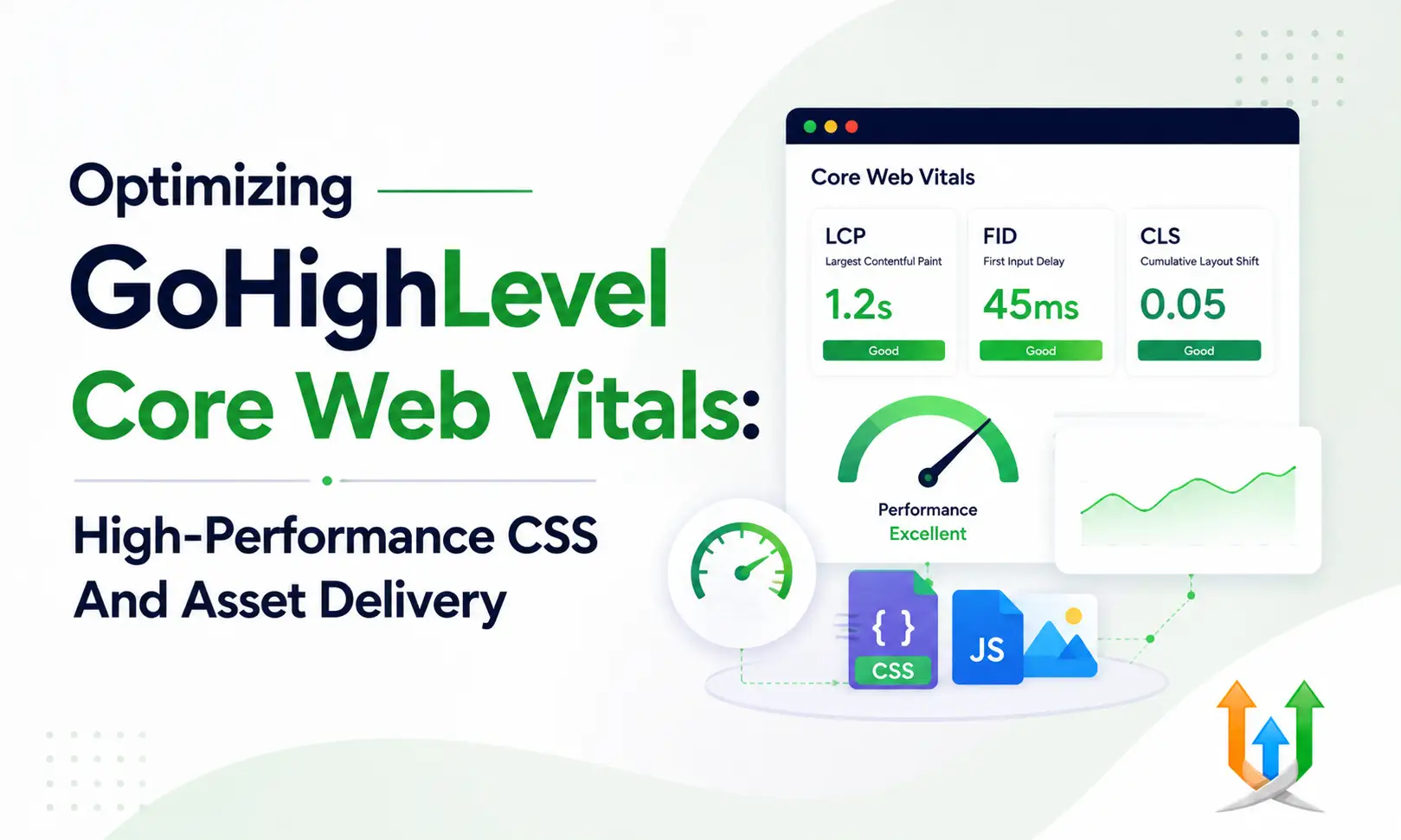
Optimizing GoHighLevel Core Web Vitals
Slow landing pages destroy ad budgets and Google search rankings.
Visitors bounce if your page takes more than three seconds to load on a mobile phone. GoHighLevel provides a flexible page builder, but custom CSS, massive image files, and unhandled tracking scripts drag down speed scores. Passing Google performance tests requires cleaning up asset delivery at the code level.
I handle these technical fixes every day when clients hire ghl developer specialists to audit their custom funnels. Here is how to improve your GoHighLevel Core Web Vitals metrics and speed up page load times.
Understanding Largest Contentful Paint In GoHighLevel
Largest Contentful Paint measures how long it takes for the main visual element on the screen to render.
This element is usually your hero section image, background banner video, or primary heading text block. If your server takes two seconds to fetch an uncompressed 4MB header image, your score drops significantly.
Google wants your measurement under 2.5 seconds. Convert all hero graphics to WebP format before uploading them to the media library. Set explicit width and height attributes on your top image containers to help browsers calculate the render layout instantly without waiting for file downloads to complete.
Fixing Cumulative Layout Shift Across Page Containers
Visual stability dictates how smooth a page feels while loading assets.
A visitor tries to click a button, but a late-loading custom font or pop-up form shifts the page layout down. The visitor accidentally clicks the wrong element. Search engines penalize pages with high layout shift scores heavy-handedly.
Define static CSS heights for custom containers before the internal content populates. Preload custom Google Fonts in your header tracking scripts using rel-preload tags so typography renders without sudden visual jumps.
Tackling Interaction To Next Paint Issues
Responsiveness measures how fast your page responds when a user interacts with an element.
It tracks the time between a visitor clicking a menu button, opening an accordion tab, or typing into an input box and the browser displaying the visual response. High scores stem from heavy JavaScript running on the main browser processing thread.
Keep custom JavaScript lean. Avoid running heavy loops inside scroll event listeners. Use requestAnimationFrame for custom visual animations to keep the main execution thread open for immediate user interactions.
Managing Render Blocking CSS And Custom Scripts
The native page builder loads default stylesheets to style standard sections.
Adding custom CSS files or external font libraries creates extra network requests that block rendering. The browser pauses visual rendering until it downloads and processes every CSS file referenced in the document head.
Inline essential CSS styles directly in the funnel step header tracking code. Push non-critical custom stylesheets to the footer tracking area so the browser paints the hero section first before fetching secondary styles.
Image Asset Compression And Next Gen Formats
Images account for most of the downloaded byte volume on landing pages.
Uploading raw 5MB photography files directly from stock media sites causes severe lag on mobile connections. Compress every visual asset before adding it to your media library folders.
Use WebP image assets instead of standard PNG or JPEG files. WebP files deliver clean visual quality at a fraction of the raw file size. Turn on lazy loading for all images below the initial viewport fold so the browser only requests assets when the user scrolls down the page.
Minimizing Custom Code Heavy DOM Trees
Deeply nested HTML containers slow down browser rendering engines.
When you place sections inside rows, inside columns, inside custom code blocks, the Document Object Model tree becomes bloated. A large tree increases device memory usage and delays script execution speed.
Keep section structures clean. Combine simple text blocks into single text elements instead of creating separate rows for every sentence. Fewer DOM nodes mean faster style recalculations and quicker rendering.
GoHighLevel Speed Optimization For Mobile Connections
Mobile devices operate on weaker processors and volatile cellular networks.
A page that loads in one second on a desktop fiber connection can take six seconds on a mobile phone. You must test your GoHighLevel website speed using mobile emulation profiles inside developer auditing tools.
Disable heavy desktop video backgrounds for mobile viewports. Hide large decorative graphic elements on small screens to save mobile data bandwidth and processing resources.
Managing Tracking Pixels And Third Party Scripts
Marketing tags slow down page execution faster than large images.
Facebook pixels, Google Tag Manager scripts, heatmaps, and live chat widgets fire dozens of external network requests during page load. Each script competes for execution priority on the browser main thread.
Load third-party tracking scripts after the main visual content renders. Use delay execution scripts that fire analytics tags two seconds after initial page load or upon initial user interaction like mouse movement.
GoHighLevel Technical SEO For Search Engine Performance
Fast loading pages perform better in organic search results and lower your ad costs.
Google uses page load metrics as a direct ranking factor for mobile search indexing. Improving your GoHighLevel site performance increases your quality scores inside ad management dashboards, dropping your cost per click.
Ensure your site settings follow technical search engine requirements. Review how to manage your highlevel seo setting configurations alongside page speed fixes to clean up your overall technical profile.
Resolving Crawl Waste And Indexing Problems
Slow loading pages waste crawler budget when search engine bots audit your domain.
Search engine bots limit the time they spend reading a single domain during a crawl cycle. If your pages take five seconds to respond, bots leave before discovering all your subpages.
Clean up duplicate funnel steps and broken redirect paths. Learn how to resolve indexing issues and crawl waste so search engines index your optimized content efficiently without hitting timeouts.
Injecting Clean Schema Markup For Search Engine Bots
Structure your page business data without adding visual page elements.
Adding visual badges or text blocks just to communicate business data adds unnecessary HTML nodes to your DOM tree. Structured background data communicates directly with search bots without visual bloat.
Use clean header script injections to deliver structured data to search crawlers. You can inject jason-ld schema in ghl custom headers without adding extra visual DOM elements to your page layout.
Managing On Page Metadata For Maximum Click Through
Fast loading speed brings users to your page, but clean search listings get them to click.
Your meta titles and descriptions tell search engine users what your business offers before they click your link. Keep your search snippets clear, accurate, and relevant to your target search terms.
Updating your search tags takes a few seconds inside the editor dashboard. Learn how to change seo title and description tags to improve your click-through rates from organic search engine result pages.
High Performance Content Strategy With Native Publishing
Building a content library inside your account requires strict asset management.
Every article you publish adds images, author bios, and internal links to your domain database. Running an active publishing strategy builds long-term domain authority while creating fresh search entry points.
Use native publishing tools to build fast content hubs. You can create blogs in gohighlevel that load fast while keeping your brand assets consolidated under one primary domain address.
Balancing Interactive Features And Page Performance
Converting funnels require interactive elements like booking calendars, contact forms, and agreement signing blocks.
These interactive features load external JavaScript files that impact performance metrics if handled poorly. Place interactive elements lower on the page or load them inside light popups when possible.
For example, when clients need to sign a document in gohighlevel, hosting that contract form on a dedicated, clean step ensures fast loading without script interference from heavy homepage assets.
Prioritizing Leads Based On Engagement Analytics
Fast landing pages generate higher inquiry volumes for your active sales floor.
When leads fill your CRM from high-speed funnels, you must filter hot prospects from casual browsers. Tracking user interaction metrics allows you to prioritize incoming inquiries automatically.
Use background scoring rules to track lead activity levels. Implementing ghl contact scoring matrices routes your hottest prospects directly to your sales team based on real-time page engagement metrics.
Selecting Unified System Architectures
Managing digital operations requires balancing marketing tools, sales pipelines, and technical performance.
Many business owners struggle to maintain speed across complex multi-step funnels while keeping customer databases updated. Choosing unified platform tools eliminates heavy third-party integration scripts that slow down browsers.
Building out your core system using ghl replaces multiple external script connections, reducing external HTTP requests and improving global site performance.
Core Web Vitals For GoHighLevel Websites Checklist
Improving your GoHighLevel page speed scores requires a systematic audit routine.
Test your pages using Google PageSpeed Insights and GTmetrix before launching live marketing campaigns. Audit your site performance again after adding new custom code scripts or high-resolution images.
Follow this technical performance checklist:
- Convert all image assets to WebP format before uploading.
- Set explicit image container dimensions to prevent layout shifts.
- Delay non-critical tracking pixels by two seconds after page load.
- Minify custom CSS and JavaScript before injecting code blocks.
- Preload custom font files in head tracking scripts.
- Defer footer scripts to keep the main execution thread open.
- Audit third-party widgets and remove unused custom code blocks.
Final GoHighLevel Speed Optimization Roadmap
Passing performance checks requires consistent technical discipline.
It comes down to disciplined asset management, clean code injection habits, and regular performance auditing. Compress your media files, streamline your custom scripts, and reduce DOM bloat across every funnel step.
A fast website keeps ad acquisition costs low, ranks higher on search engines, and converts visitors into paying customers. Build clean code, monitor your technical metrics, and keep your asset footprint light.
Author Bio
GHL Full-Stack Developer & AI Specialist
Apexa's been building inside GoHighLevel for 3+ years, specializing in custom workflow automations and conversational AI chatbots. She focuses on turning manual communication gaps into tight, automated systems that capture leads instantly. When she's not mapping out webhook logic, she's usually testing new bot triggers way too late at night.